

Due to TikTok’s requirement to verify URL ownership for all redirect URLs, TikTok cannot be used with Dynamic shared credentials in sandbox or production environments.
You will need create an app with custom credentials. To go to production, you will need use to contact us for custom domains.
Creating a new sandbox application
Here are the step-by-step instructions for obtaining OAuth credentials for TikTok:- Go to the TikTok Developer Portal and sign in to your account.
- Once you’re signed in, click on “Connect an app”
- Fill out the “App name” and specify if this is for an Individual or an Organization, then click “Confirm”
- Make sure that “Sandbox” is selected. Sandbox applications do not require domain verification
- Fill out the “Category”, “Description”, “Terms of Service URL”, “Privacy Policy URL”
- Select “Web” under “Platforms”
- Under “Products”, select “Add Products” and click on “Login Kit”
- Under “App info” paste your “Redirect URL” (Redirect URL can be found in the Dynamic dashboard https://app.dynamic.xyz/dashboard/log-in-user-profile#social-tiktok)
- Enter your “Website URL”.
- In order to allow test users to login, click “Add account” under “Target Users” and link an existing TikTok account
- Click save under the form.
- Copy and paste the “Client Key” and “Client Secret” and paste it into “Set up TikTok Auth” Modal in the Dynamic Dashboard.
Creating a production app (Enterprise Only)
Follow the same instructions above for setting up an app. In order for you to add the callback URI, you will need to follow these steps- Click on
URL Propertiesin the top right of the TikTok developer Portal

- In the next modal, click on
Verify properties
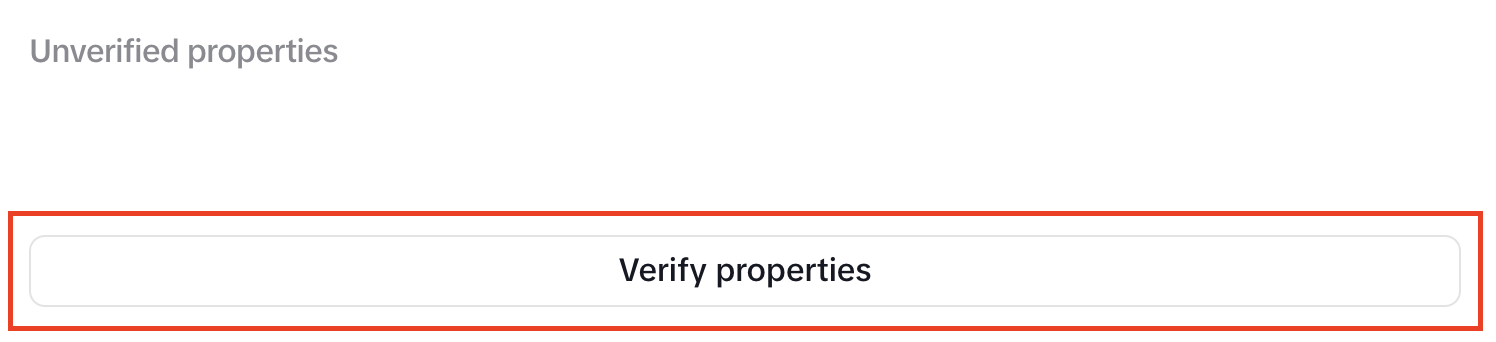
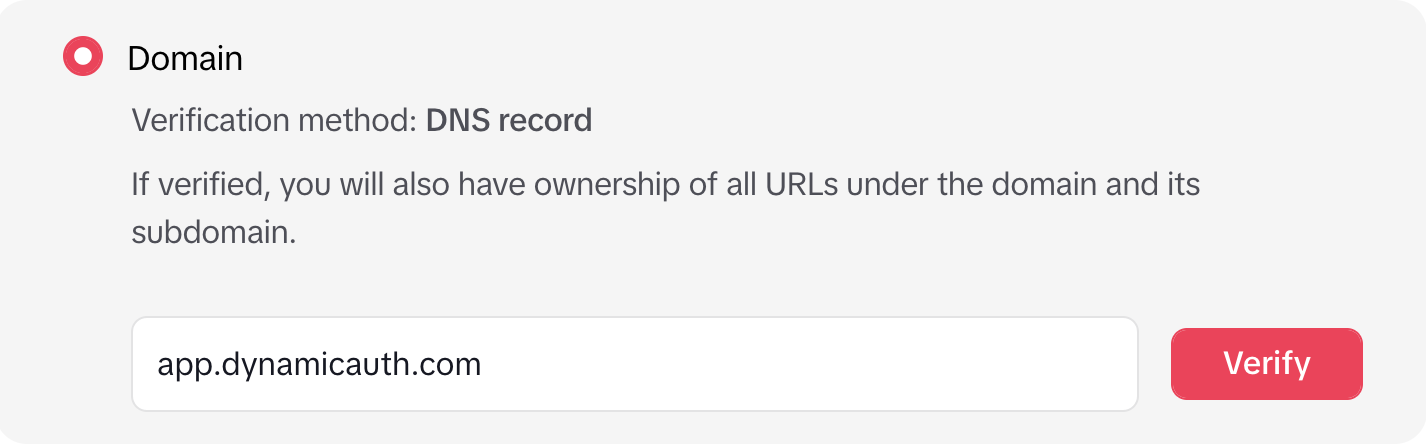
- Click on
Domainand enterapp.dynamicauth.comand clickVerifyto the right of the text box
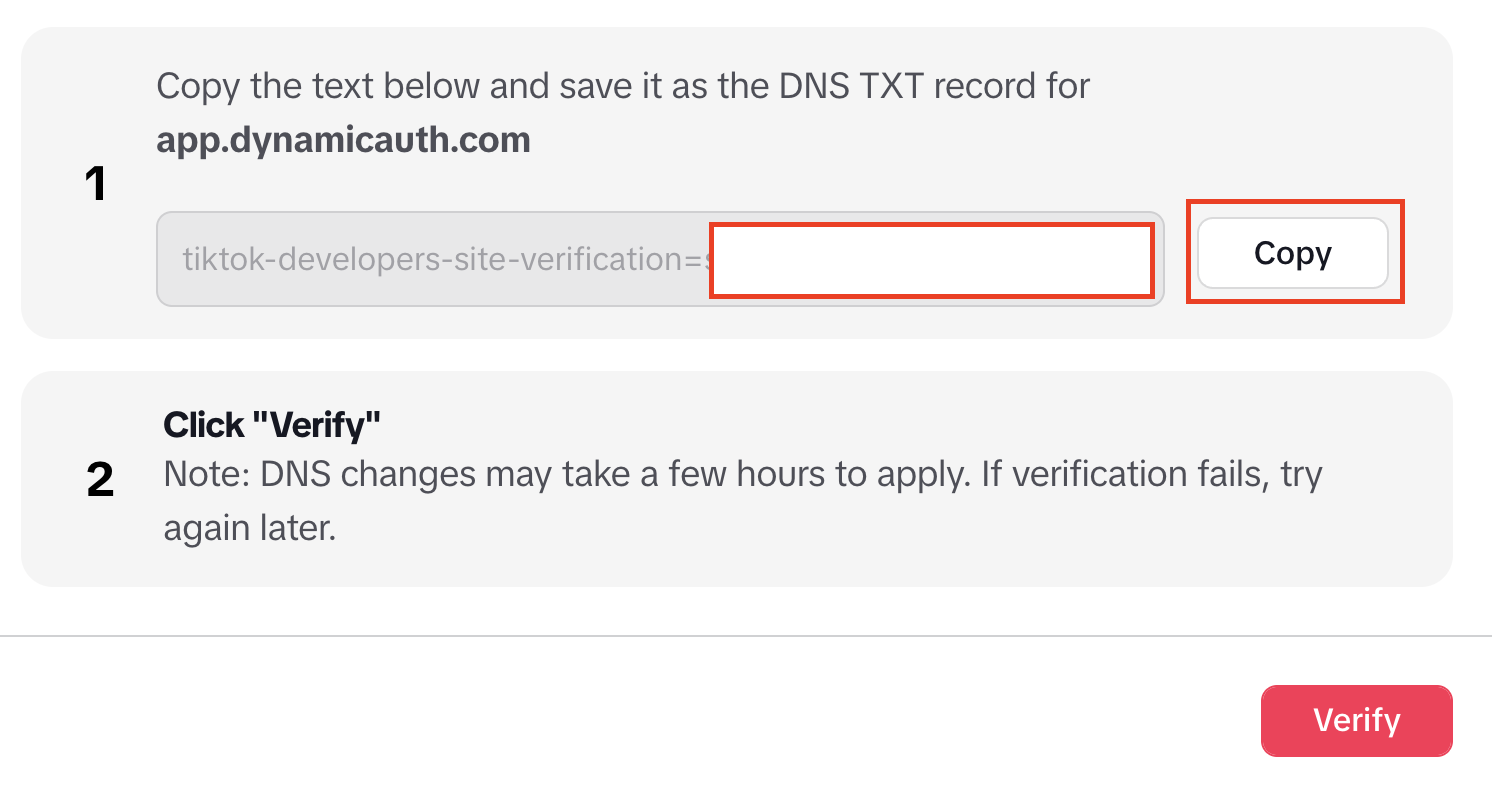
- In the next screen, click on
Copyto the right of the TXT record and send it to us. After this clickVerify. Note that the domain verification will not work until we have added the record on our domain
- Once we have confirmed the record is added, click on
Continue to verifyand verify the domain

- Add the callback URI specified in our dashboard under TikTok settings
- Continue with your TikTok app submission