Creating a new App
Here are the step-by-step instructions for obtaining OAuth credentials for Shopify:- Install the Headless app on your existing Shopify store
- On the next page, click on
Create storefront - Click on
Managenext toCustomer Account API

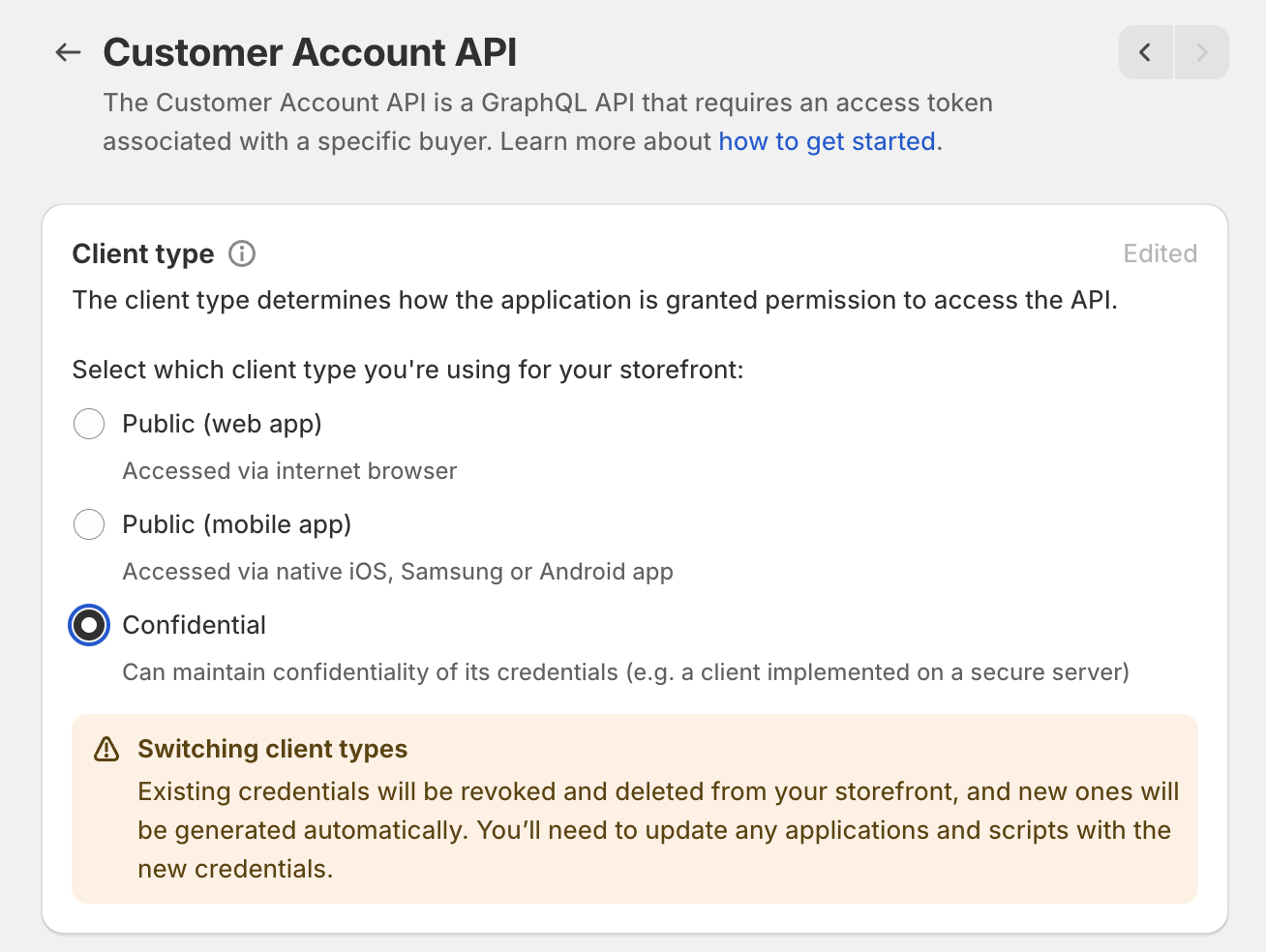
- Select
ConfidentialunderClient Typeand clickSave
- Under
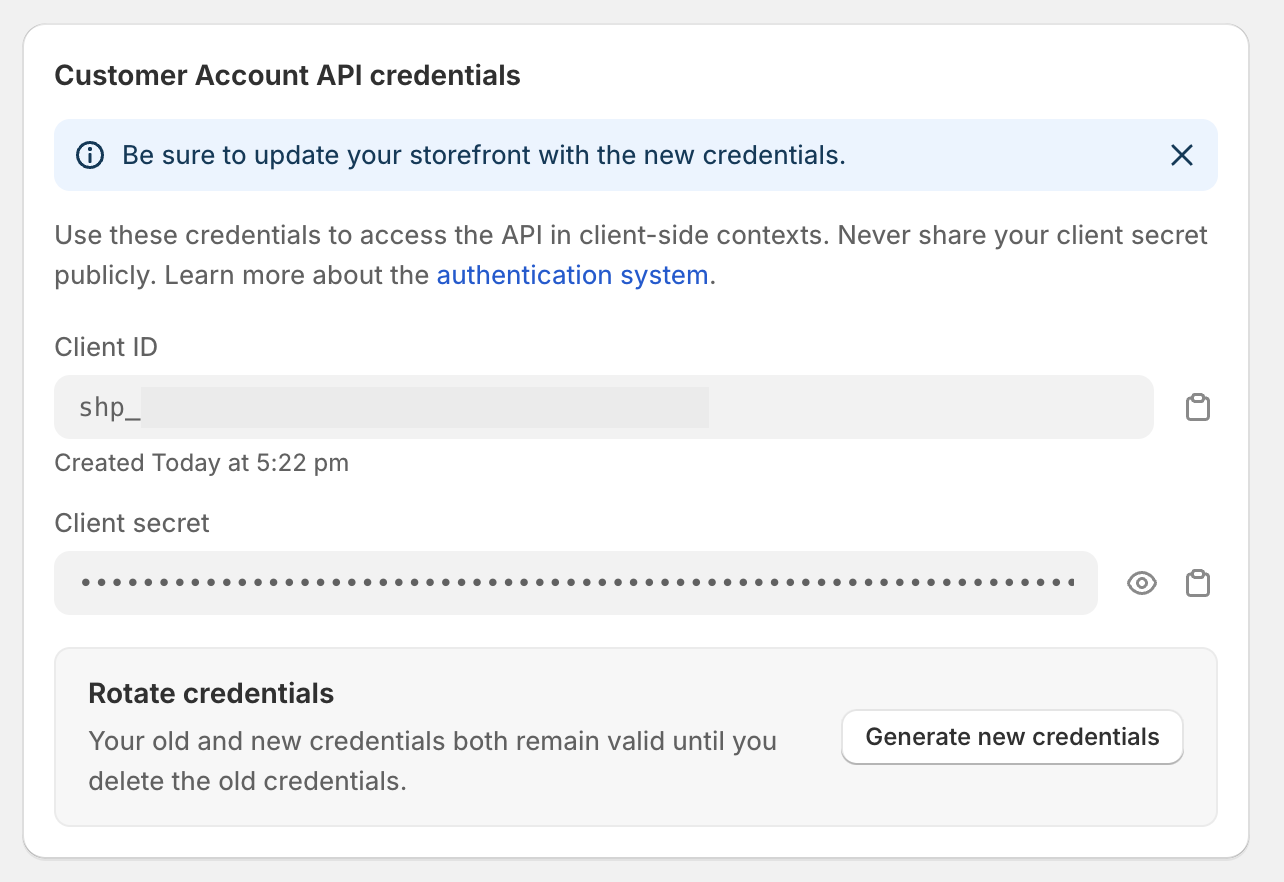
Application setuppaste your “Redirect URL” (Redirect URL can be found in the Dynamic dashboard) - Copy and past the
Client IDandClient SecretfromCustomer Account API credentialsand paste it into “Set up Shopify Auth” Modal in the Dynamic Dashboard.
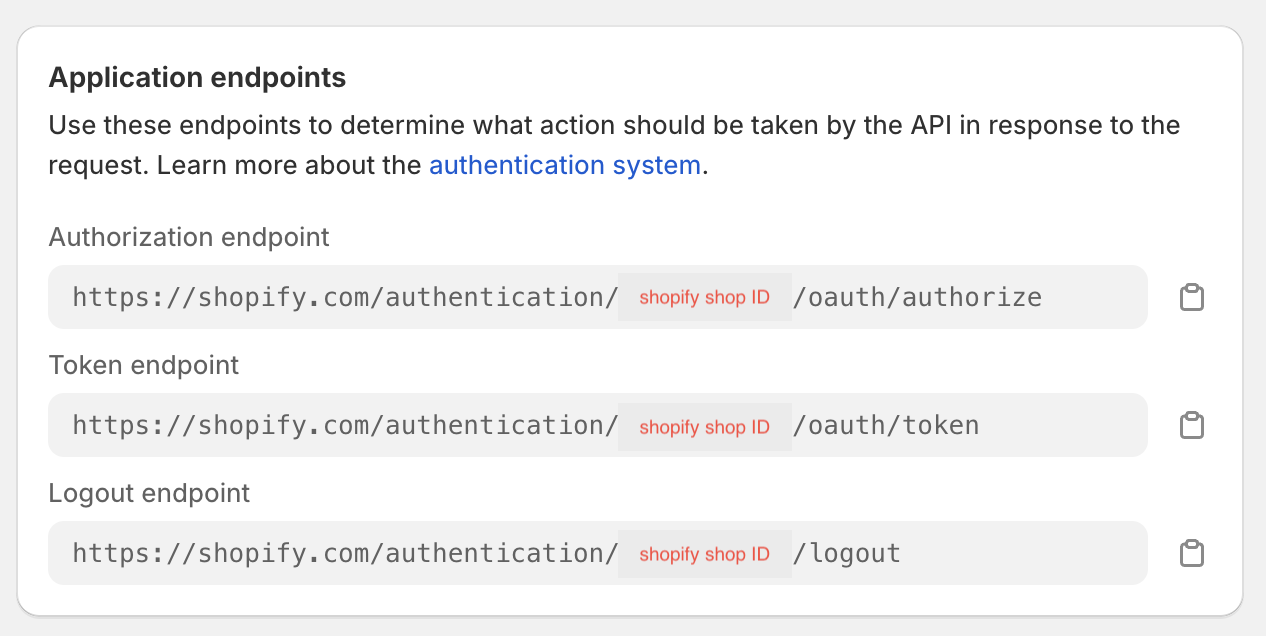
- Find your shopify store ID under
Application Endpointsin theAuthorization endpointURL and paste it intoShopify Store IDin the Dynamic Dashboard.