

Please make sure you are on v4.20.6 before continuing.
During Signup (Automatic)
Creating Embedded Wallets
By default, embedded wallets are created automatically for users during sign-up if they don’t already have a wallet on the enabled chain. All you have to do is check that the “Create on Sign up” toggle is turned on in the Embedded Wallet configuration page.
Automatic embedded wallet creation only creates a single wallet for a user on each chain you have selected. If you want to create multiple wallets per chain, simply call the
createWalletAccount method from the useDynamicWaas hook as shown below, and one wallet per enabled chain will be generated per call.Creating Wallets for users with External Wallets
You can automatically create embedded wallets for users who sign in with external wallets like MetaMask. To enable this feature, open the “Create on Sign Up” card, expand the “Advanced Options” panel, and turn on the “Embedded Wallet for Third-Party Wallets” toggle.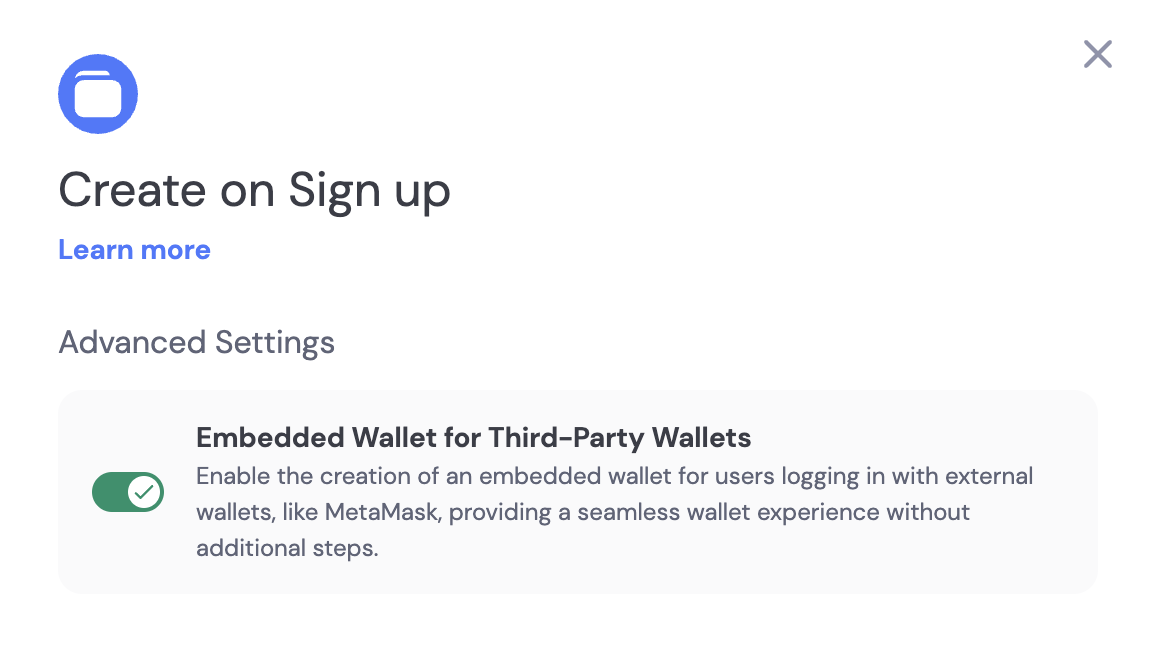
Custom Logic (Manual)
Creating Wallets Any Time
If you do not want to create wallets for users automatically when they sign up, you can create wallets for users using custom logic. To do so, call thecreateWalletAccount method from the useDynamicWaas hook when you want to create a wallet for a user.
You can control which chains you create wallets on by passing an array of chains to the
createWalletAccount method. See the useDynamicWaas documentation for more details.