Summary
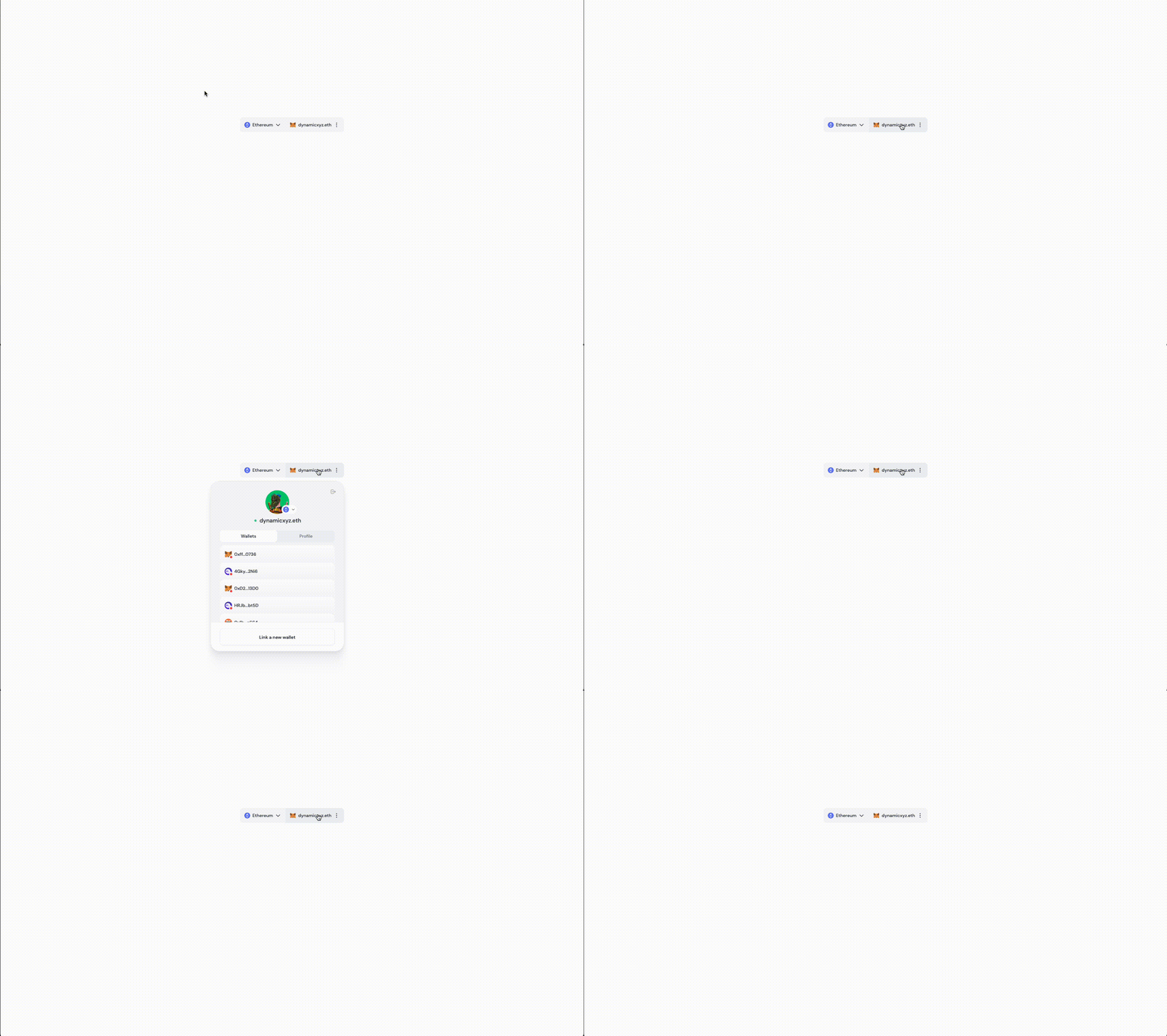
Once a user connects their wallet, you may want to display a navigation component to show the current wallet and connected network. Additionally, if you collected information during onboarding, you may want to display the user’s profile so they can edit their information, add additional wallets (if you enabled multiwallet), and more. The DynamicWidget is the parent component that has all these features available in it. If you want to explore sub-components for more granular control, then see DynamicConnectButton DynamicUserProfile and the DynamicNav components. If you need to embed the modal directly into your site without the need for button first, then we recommend exploring the EmbeddedWidget instead.Settings
There are two settings available when you initialize theDynamicWidget in your App.
Examples
variant = modal
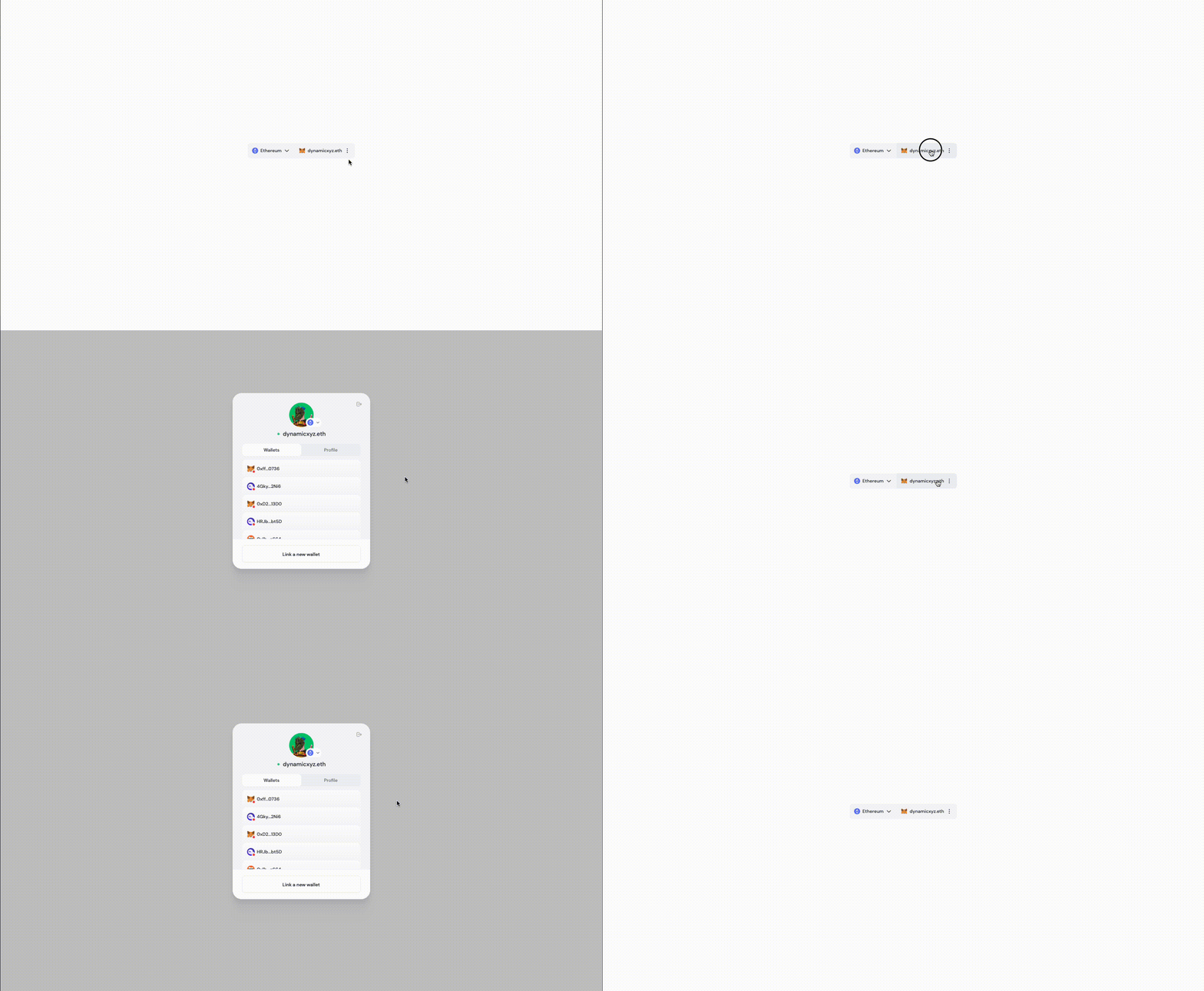
variant = dropdown