Introduction
If you’re reading this, you’ve probably already followed the instructions in Default Onramps and have enabled at least one onramp. Here we’ll learn how to customize the experience further and bring your own.OnrampOptions
Each onramp is represented by anOnrampOption object in the SDK, which has the following properties:
It’s important to note that the
onClick handler is not customizable, but rather it takes the current URL defined in the url field and opens it in a new window.onrampOptions prop in the overrides prop of the DynamicContextProvider component which provides the current options and allows you to return a new array of options.
Customization Examples
Example 1: Customizing the existing Coinbase Onramp URL
Let’s say you want to customize the current Coinbase onramp URL to include a custom parameter. You can do this by simply returning the same array of onramp options but with theurl field updated.
Example 2: Adding a payment method option
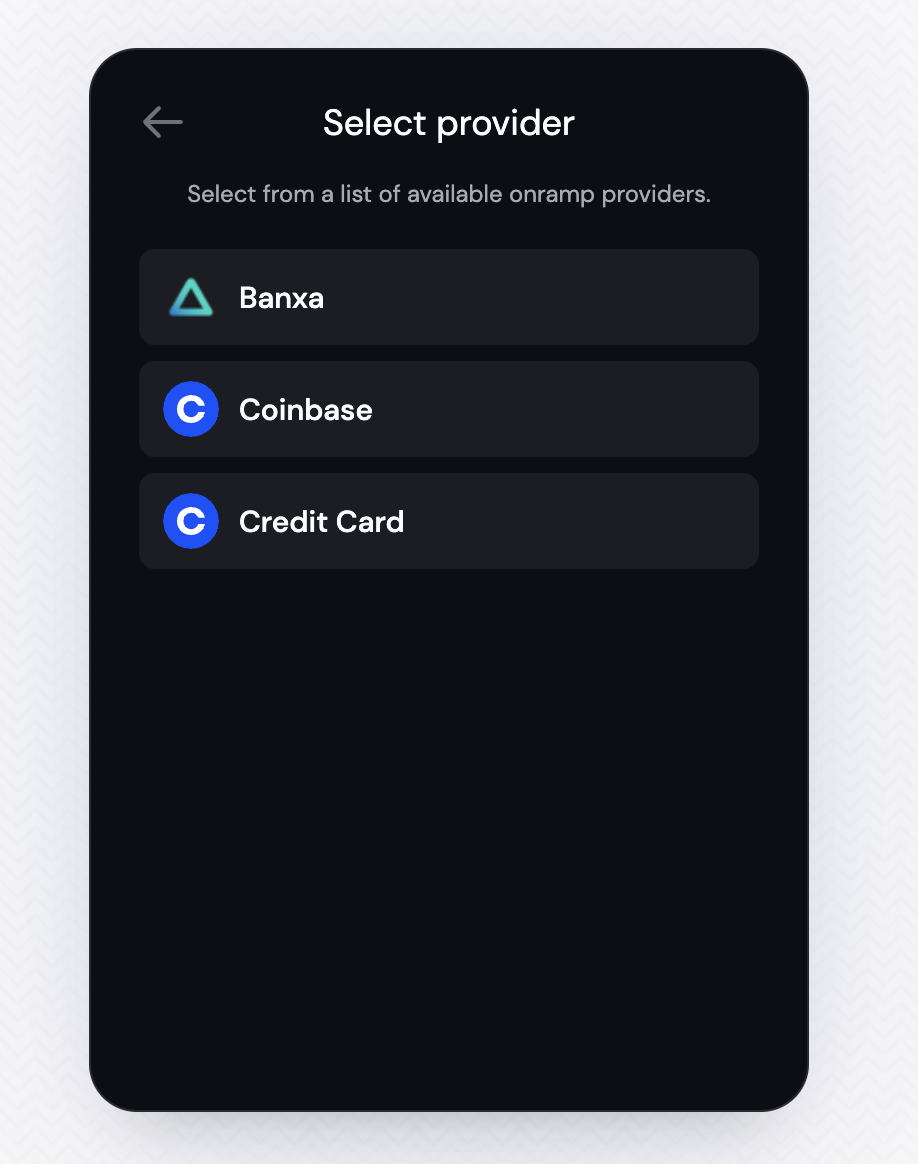
Taking Coinbase as an example, you’ll see that there are multiple payment methods available for the onramp. You might want to give these options to the user in the widget. In this case, you’ll want to return a new array of onramp options with thedisplayName field set to the payment method name as well as the URL adapted to include the payment method parameter.
Example 3: Bring Your Own Onramp
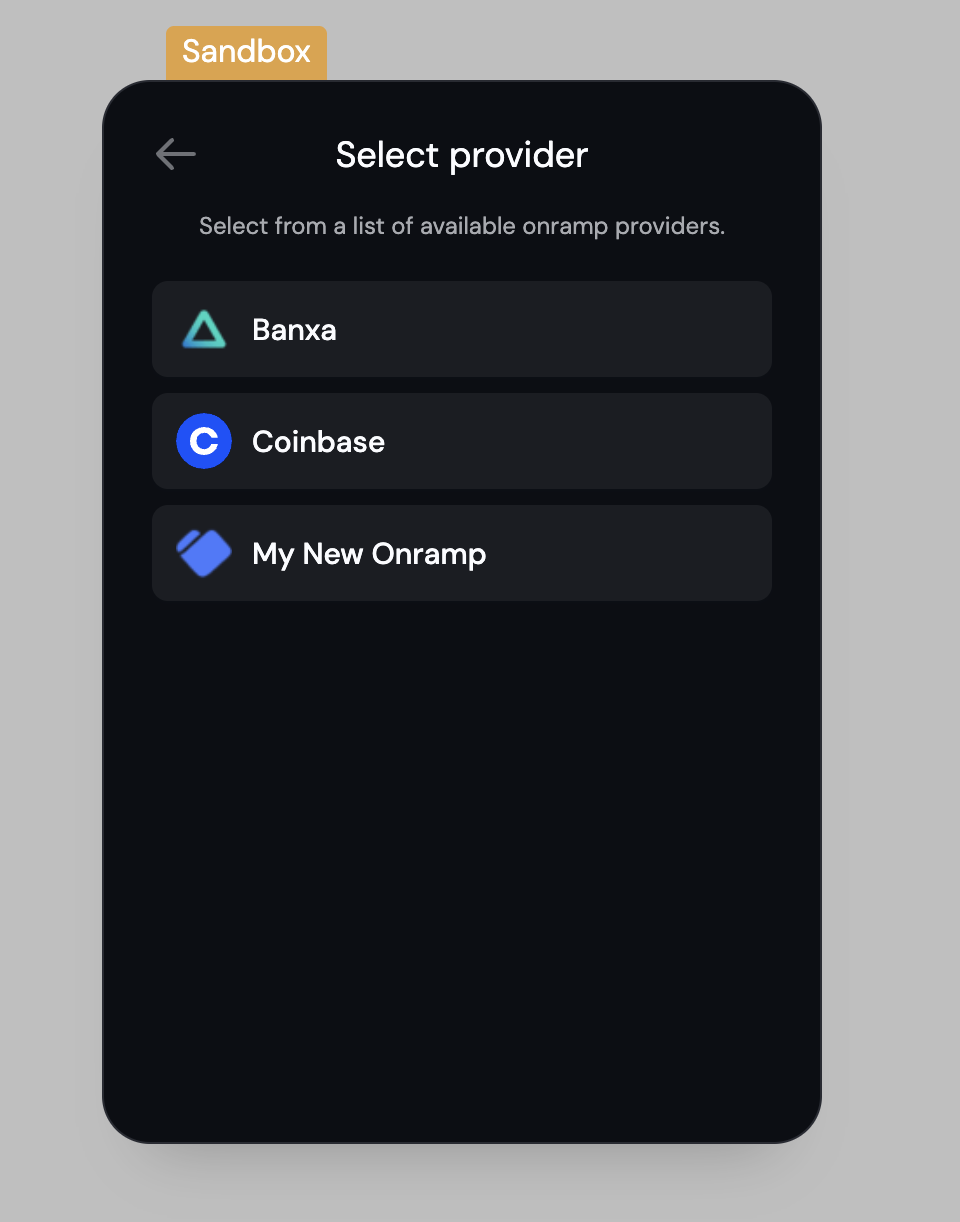
Instead of changing the existing onramp options, you can also add your own option, which can be as simple as this: