Documentation Index
Fetch the complete documentation index at: https://dynamic-docs-feat-sidebar-revamp.mintlify.app/llms.txt
Use this file to discover all available pages before exploring further.
Introduction
This tutorial will guide you through the process of enabling read-only access to Farcaster using the Dynamic SDK (if you need write access, see this guide).
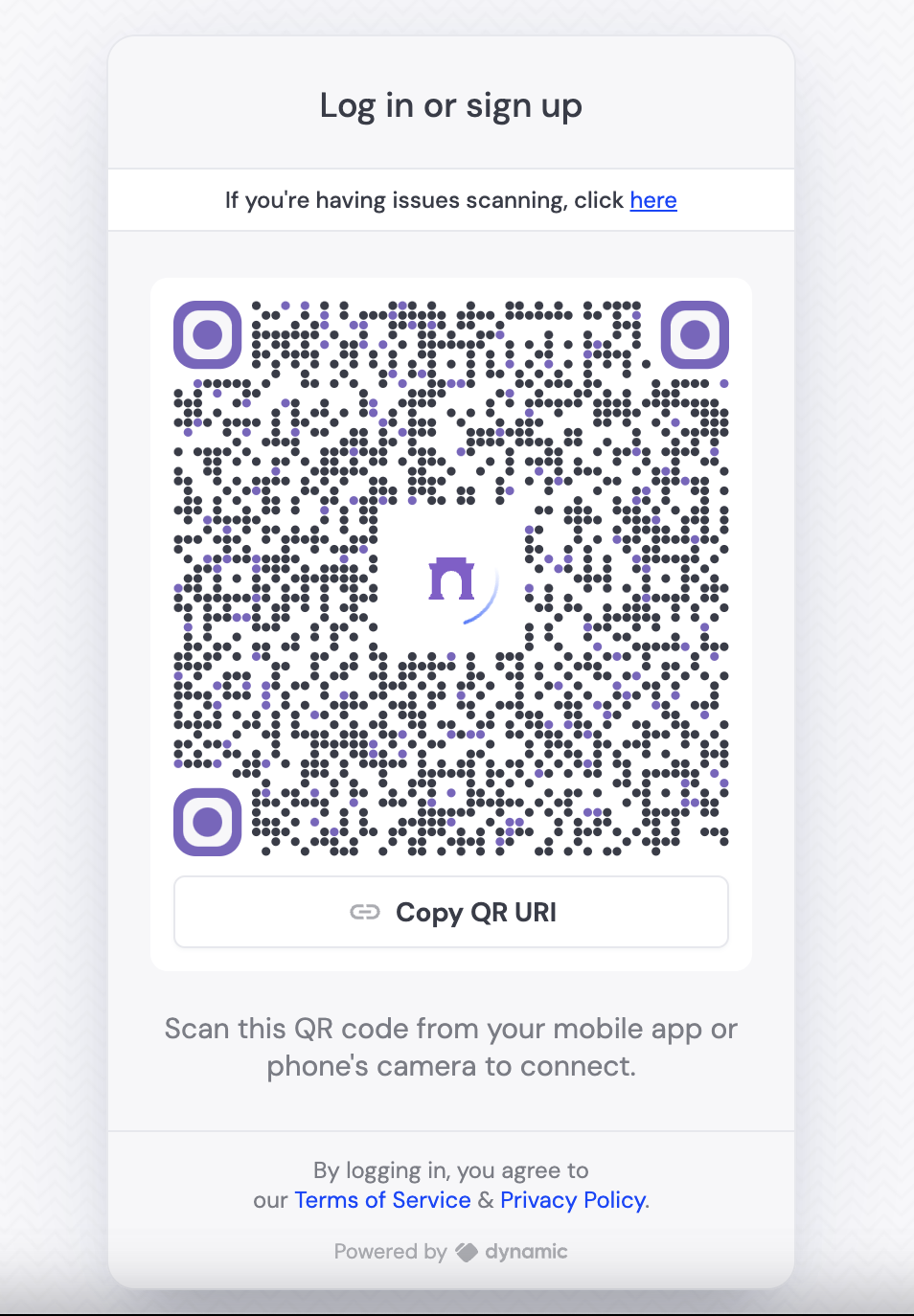
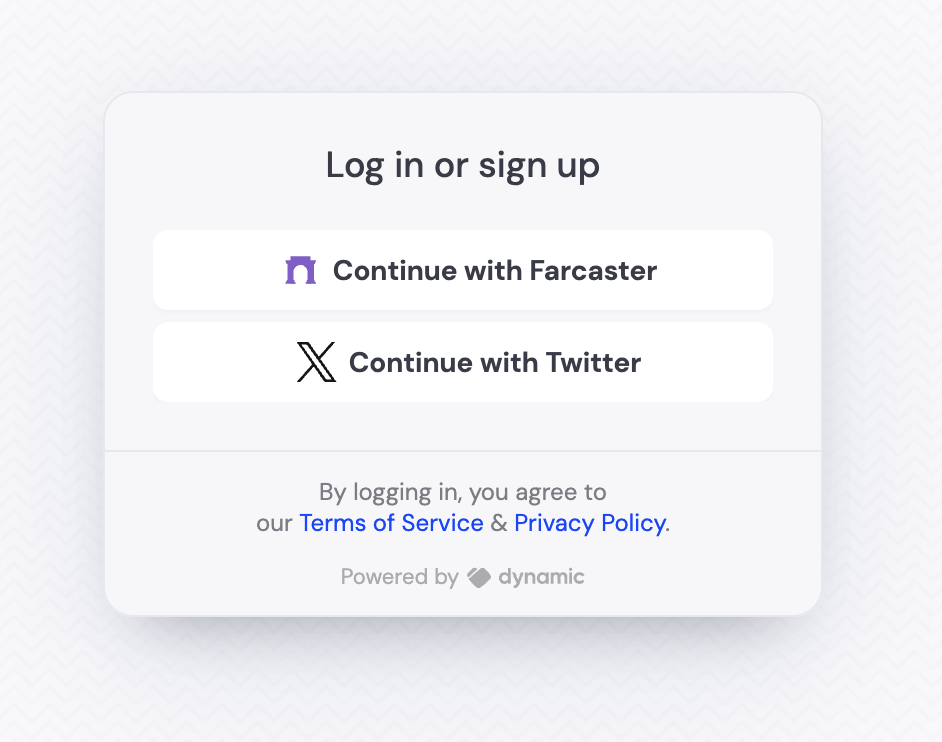
If you enable only social signup, and only Farcaster as a provider, the user will see the QR code immediately. If there are other providers enabled/other login methods, Farcaster will appear as a button, which will then open the QR code. Both UIs are shown below:
Farcaster only UI
Farcaster as a button
Video walkthrough
Step By Step Walkthrough
Enable Farcaster Signup
Visit Log in & User Profile page in the dashboard and under âSocialâ, enable Farcaster.
You donât need to do anything extra in your Dynamic app to enable Farcaster sign-in. The Dynamic SDK will automatically handle the sign-in process for you.
The easiest way of seeing the UI is to use the DynamicWidget UI component:
import { DynamicContextProvider, DynamicWidget } from "@dynamic-labs/sdk-react";
export default function App() {
return (
<DynamicContextProvider
settings={{
environmentId: "YOUR_ENV"
}}
>
<DynamicWidget />
</DynamicContextProvider>
);
}
Youâre done! Your users can now sign in with Farcaster.
Further resources