> ## Documentation Index
> Fetch the complete documentation index at: https://dynamic-docs-feat-sidebar-revamp.mintlify.site/llms.txt
> Use this file to discover all available pages before exploring further.
# Default Onramp Experiences
## Summary
At Dynamic, we make it incredibly simple to add a Fiat onramp solution to your SDK integration. We are currently working with [Coinbase](https://www.coinbase.com/en-gb/developer-platform/products/onramp) and [Banxa](https://banxa.com/). Other great onramp solutions will be made available soon.
Before continuing, please make sure you're using the latest version of the Dynamic SDK packages.
### Usage
To enable an onramp solution:
1. Go to [the Funding tab in your Dynamic developer dashboard](https://app.dynamic.xyz/dashboard/funding).
2. Under "Fiat on-ramps", toggle on whichever onramp you'd like to enable (add confirm any additional terms and conditions).
For Banxa, if you enable it on Sandbox, then you'll be using Test Order. Reference Banxa's test information so you can easily [test in sandbox.](https://docs.banxa.com/docs/order-flow)
You're done! In the Dynamic widget after logging in, users will now see a "Deposit" button that will open up the various deposit options, including those you've enabled.
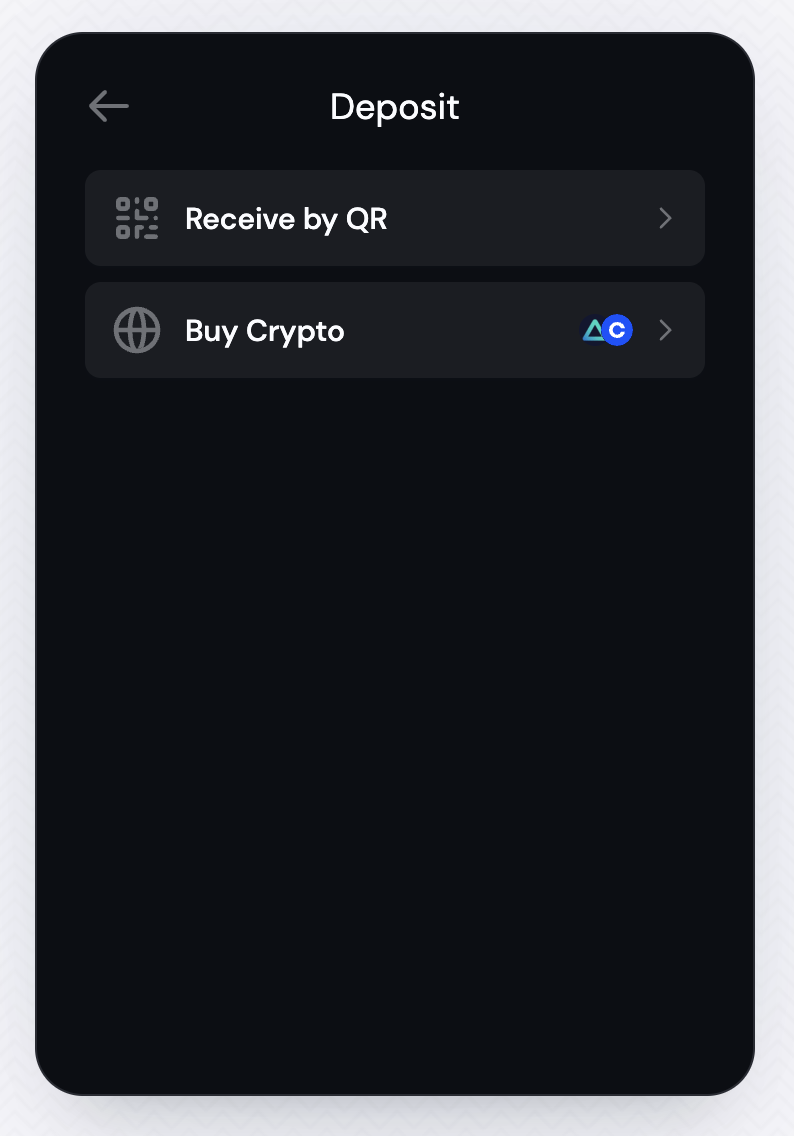
To learn how to customize the experience, check out the [Customizing the Onramp Experience](/money-and-funding/customizing-the-onramp-experience) doc.
Coinbase
/